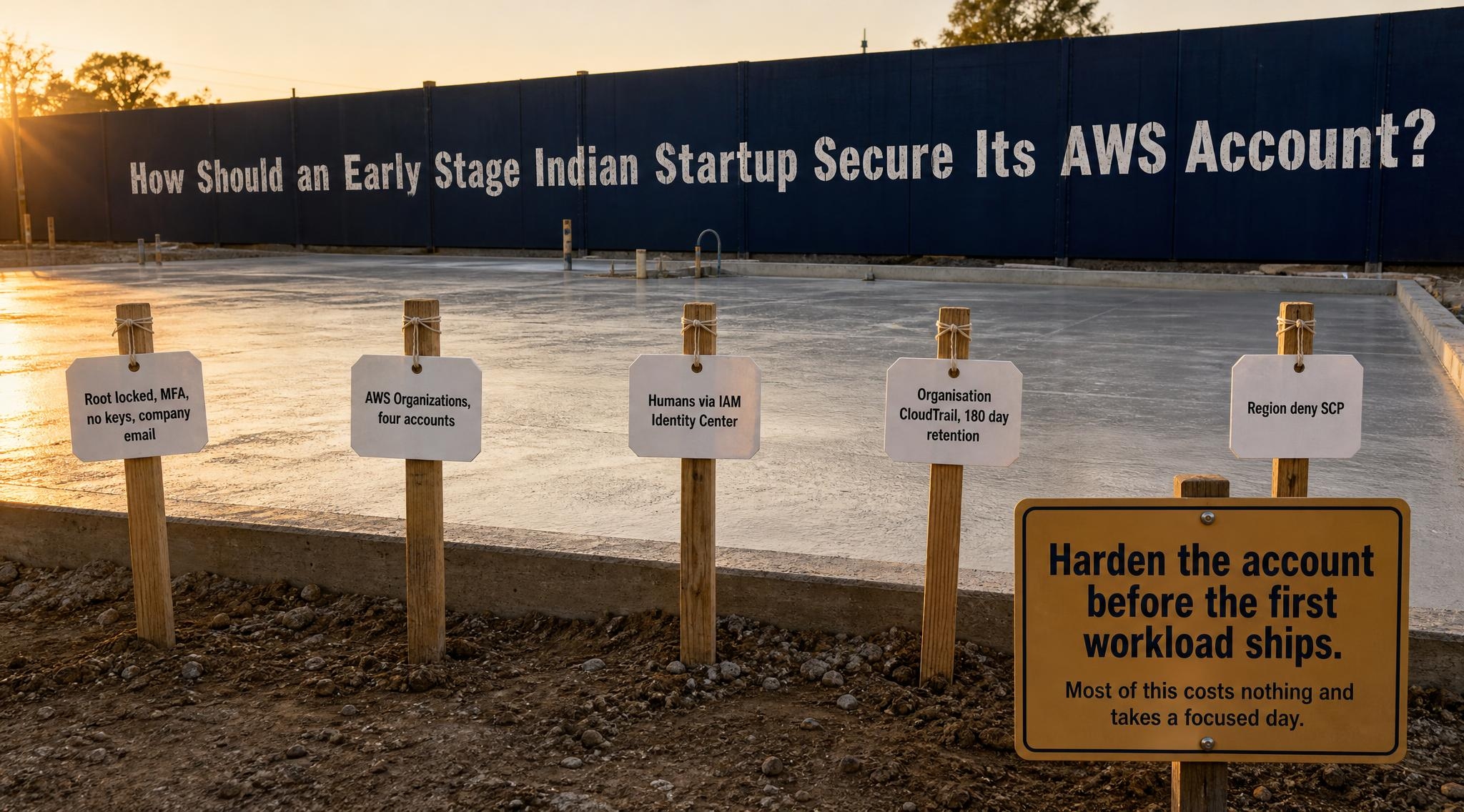
How should an early stage Indian startup secure its AWS account? Before the first workload ships, set nine account level controls in a fixed order: lock the root user, give AWS a security contact that is not one founder's inbox, put the account under AWS Organizations, move humans to IAM Identity Center, set a budget alarm, turn on an organisation wide CloudTrail kept for at least 180 days, deny the regions you do not use, flip the three per region defaults, and switch on threat detection with a named owner. Most of this costs nothing and takes a focused day.
This post is for the founder or first engineer who has just created an AWS account, or inherited one that a contractor set up, and wants the baseline that sits above individual services. Most AWS security checklists list dozens of controls with equal weight. An early stage team needs the account level decisions that are expensive to change later, in order, with the India specific obligations attached.
Three earlier posts go deep on single controls and are linked rather than repeated here: the IAM audit walkthrough for an account that has already drifted, the four S3 Block Public Access settings, and the most common Access Analyzer findings. This one is day one. Where I give a practitioner read rather than a cited source, it is labelled inline.
Quick context: what changed in AWS defaults, and what India adds
AWS has spent the last three years moving account security from optional to default. It began requiring MFA for the root user of Organizations management accounts in May 2024, extended that to standalone accounts in June 2024, and launched centralised root access management in November 2024, per the AWS Security Blog. In June 2025 it announced MFA enforcement for root users across all account types. New S3 buckets have shipped with Block Public Access on and ACLs off since April 2023. An account inherited from a contractor may predate all of it.
AWS also publishes its own minimum for young companies, the Startup Security Baseline, whose first account controls cover contact information (ACCT.01), restricting root user use (ACCT.02) and console access (ACCT.03). India adds a legal layer on top. The CERT-In directions of 28 April 2022, issued under Section 70B(6) of the IT Act, require specified cyber incidents to be reported within six hours of noticing them, and ICT system logs to be kept securely for a rolling 180 days within Indian jurisdiction. Two of the nine controls below exist mainly to make those obligations possible.
How should an early stage Indian startup secure its AWS account?
An early stage Indian startup should secure its AWS account by treating the account itself as the first system to harden: root locked away with MFA, every human signing in through IAM Identity Center, AWS Organizations with an SCP that denies unused regions, CloudTrail for all accounts retained 180 days to meet CERT-In, a budget alarm, and GuardDuty with a named owner. That baseline is mostly free and is the foundation every later control depends on.
1. Lock the root user and stop using it
The root user can do everything, including close the account, so it should do nothing day to day. AWS's IAM security best practices say to use temporary credentials for humans and to require MFA wherever a root or IAM user still exists. MFA on root is now mandatory across account types, per the June 2025 announcement, and AWS accepts authenticator apps, hardware tokens and FIDO2 security keys or passkeys.
Enforcement handles MFA. It does not handle three common mistakes in inherited accounts:
- Root access keys exist. Delete them. There is no routine task that needs a programmatic root credential.
- The root email is one founder's personal Gmail. Change it to a company alias that at least two people can read, such as aws-root@ on your own domain.
- The MFA device lives on one phone. Register a second device. A hardware key in a locked drawer is the cheapest insurance on this list.
Practitioner opinion: write down, in one line in your runbook, which tasks still require root (closing the account and a few billing and support actions) and agree that nobody signs in as root for anything else.
Takeaway: root is a break glass credential, owned by the company, not by a person.
2. Give AWS someone to call that is not one founder's inbox
When AWS detects abuse coming from your account, such as a crypto miner on a leaked key, it emails the account's contacts. By default that is the root email, often one founder's overloaded inbox. The Startup Security Baseline lists contact information as its first account control, ACCT.01.
AWS supports three alternate contacts: billing, operations and security. The security contact receives security notifications, including messages from the AWS abuse team. Set all three, and point the security one at a group alias that reaches the two people who would act on it at 2 a.m.
The CERT-In directions start the six hour reporting clock when you notice an incident. An abuse notice that sits unread in a departed employee's mailbox is a clock you did not know had started. The same directions also ask service providers and body corporates to designate a point of contact for CERT-In; practitioner opinion, make it the same person or alias that receives the AWS security contact mail, so one inbox owns both directions.
Takeaway: set the security alternate contact today, to an alias two people read.
3. Put the account under AWS Organizations from day one
The single account set up is the most expensive decision to reverse later: once production, staging and experiments share one account, every permission and every bill is tangled. AWS Organizations is offered at no additional charge, so the only cost of starting with it is an hour of thought.
A minimal structure that works for a seed stage team, as practitioner opinion:
- Management account. Holds billing and the organisation. Runs no workloads, ever.
- Log archive account. Receives CloudTrail and other logs. Almost nobody has write access.
- Production account and non production account. Workloads live here, separated so that a mistake in staging cannot touch customer data.
Organizations also unlocks two controls used later in this post: service control policies (SCPs), which cap what any identity in a member account can do regardless of its IAM permissions, and an organisation wide CloudTrail trail. It also unlocks centralised root access management, launched in November 2024, which lets the management account remove root credentials from member accounts entirely and perform tightly scoped privileged tasks with temporary credentials.
If you already have a single busy account, do not migrate it this week. Create the organisation with that account as a member, put new environments in new accounts, and move workloads when there is a natural break.
Takeaway: four accounts and one root to protect beats one account and a tangle.
4. Move every human to IAM Identity Center, not IAM users
Long lived IAM user access keys are the credential that leaks, into a public repository or a CI log. AWS's IAM best practices recommend federation with temporary credentials for human users and name IAM Identity Center as the way to centralise access across accounts. Identity Center carries no additional charge, and it can use its own directory or connect to Google Workspace or Microsoft Entra ID as the identity source.
What day one looks like, as practitioner opinion for a team under twenty engineers:
- Three permission sets: an administrator set for one or two people, a developer set scoped to non production, and a read only set for production.
- Groups mapped to permission sets, never individual assignments, so offboarding is removing one person from one group.
- Zero IAM users for humans. Workloads use IAM roles; CI uses OIDC federation to a role rather than stored keys.
This control shrinks what a later IAM audit finds, because there are no stale user keys. When you run that audit, Access Analyzer is the free tool that surfaces unused access and external sharing.
Takeaway: if a human has an access key, that is the first leak waiting to happen.
5. Set a budget alarm before the first resource
A budget alarm is a security control. Practitioner opinion: in a small account, an unexplained spend spike is often the first visible sign that keys have been stolen. AWS Budgets monitoring and notifications are free. Action enabled budgets, which can apply an IAM policy or SCP automatically when a threshold is crossed, are free for the first two per month and cost $0.10 per day each after that.
New accounts in 2026 also start on a different free tier than older guides describe. Since July 2025, new customers get $100 in credits at sign up and can earn up to $100 more, on a free plan that ends after six months or when the credits run out, whichever is first. Setting up an AWS Budget is one of the activities that earns credits. The day the plan ends is the day spend becomes real.
Practitioner opinion on the setup: one monthly cost budget at the organisation level with alerts at 50, 80 and 100 percent of what you expect to spend, plus one daily budget at a level that would only be crossed by something abnormal, both sent to the same alias as the security contact. If the bill has already surprised you, our AWS bill triage runbook covers the investigation.
Takeaway: a daily spend alarm catches a stolen key faster than most security tools a startup can afford.
6. Turn on an organisation wide CloudTrail and keep it 180 days
CloudTrail is the record of who did what in the account, and the only one you can hand to an investigator or to CERT-In. Per the CloudTrail pricing page, the last 90 days of management events are viewable free in Event History, and the first copy of management events delivered to S3 by a trail is also free; you pay only for S3 storage. Data events, such as S3 object reads, cost $0.10 per 100,000 events; enable them only for buckets holding customer data.
The 90 day Event History is not enough in India. The CERT-In directions ask for logs of ICT systems to be kept for a rolling 180 days within Indian jurisdiction. So the day one setup is:
- One organisation trail, created from the management account, covering all regions and all member accounts.
- Delivered to an S3 bucket in the log archive account, in an Indian region: Asia Pacific (Mumbai)
ap-south-1 or Asia Pacific (Hyderabad) ap-south-2, both listed in the AWS Regions reference.
- A lifecycle rule that keeps objects at least 180 days, and log file validation turned on so tampering is detectable.
- No delete permission on that bucket for anyone in the workload accounts.
Practitioner opinion, not legal advice: CERT-In's directions apply to ICT systems broadly, so CloudTrail alone does not cover application and database logs. It is the piece that is cheapest to get right on day one and impossible to reconstruct after an incident.
Takeaway: 90 days of free history is not 180 days of retained logs; set the bucket up before you need it.
7. Deny the regions you do not use
Practitioner opinion: stolen keys are often used in a region nobody on the team ever looks at. A region deny SCP removes that hiding place. AWS publishes the pattern in the Organizations SCP examples: a Deny statement with a StringNotEquals condition on aws:RequestedRegion, plus a NotAction list exempting global services such as IAM and Organizations, whose endpoints are hosted in us-east-1. AWS Control Tower offers the managed version as its region deny control.
For most Indian startups the allowed list is short: ap-south-1, possibly ap-south-2 for disaster recovery, and us-east-1 only for the global services and for anything such as CloudFront certificates that must live there. Practitioner opinion on rollout:
- Attach the SCP to a test organisational unit first and run your normal deploy through it.
- Check the exemption list against the global services you actually use, because AWS's own example says to replace its list with yours.
There is a residency benefit too. If customer data must stay in India, under an RBI expectation or a customer contract, a region deny SCP is the control that turns that intention into something a person cannot accidentally break with one CLI flag.
Takeaway: if you only run in Mumbai, make it impossible to run anywhere else by accident.
8. Flip the three defaults that are still per region
Some protections are on by default for new resources. Others stay off until you change them, region by region.
- S3 Block Public Access. On by default for every new bucket since April 2023, with ACLs disabled. Existing buckets were not changed. Also set it at the account level, so a single bucket setting cannot override it; the four settings explained post covers each one.
- IMDSv2 as the account default. The instance metadata service is how a server side request forgery bug turns into stolen credentials. AWS added an account level default for instance metadata options, applied at launch, and an enforcement option under which instances configured with IMDSv1 fail to launch. Per the AWS News Blog, instance types released from mid 2024 use IMDSv2 only by default. Set the account default to require tokens in every region you allow. Launch templates still override it, so check yours.
- EBS encryption by default. A region specific setting that, once on, encrypts every new volume and snapshot copy. It does not change existing volumes, which is why it belongs on day one.
All three are per region, which is one more reason control 7 comes first: two allowed regions means six settings to check, not one for every region AWS runs.
Takeaway: the defaults that moved protect new resources; the ones that did not need a switch, per region.
9. Turn on threat detection, and name who reads it
The last control is the one that tells you something went wrong. Amazon GuardDuty analyses CloudTrail, VPC flow and DNS activity for signs of compromise and offers a 30 day free trial per account per region. AWS Security Hub CSPM runs posture checks such as the Foundational Security Best Practices standard, also with a 30 day trial per account per region and an estimate of the monthly cost shown during the trial.
Practitioner opinion on order: GuardDuty first, because it detects active compromise and produces few findings in a small, clean account. Security Hub CSPM second, because it produces a backlog of posture findings that someone has to work through. Our Security Hub versus Sentinel comparison explains what each layer is for.
The tool is the easy part. The common failure is detection that is on and read by nobody. Route GuardDuty high severity findings to the same alias that receives the AWS security contact mail and the budget alarms, and write down who looks at it on which day. That is also the moment the CERT-In six hour clock can start, so the person reading it should know how to file a report with CERT-In.
Takeaway: an alert nobody reads is a log, not detection.
Summary: the nine day one controls
| Order | Control | Cost | India link |
|---|
| 1 | Root locked, MFA, no keys, company email | Free | None specific |
| 2 | Security alternate contact to a group alias | Free | CERT-In six hour clock |
| 3 | AWS Organizations, four accounts | Free | None specific |
| 4 | Humans via IAM Identity Center | Free | None specific |
| 5 | Monthly and daily budget alarms | Free for alerts | None specific |
| 6 | Organisation CloudTrail, 180 day retention | First copy free, S3 storage billed | CERT-In 180 day logs |
| 7 | Region deny SCP | Free | Data residency |
| 8 | S3 BPA, IMDSv2, EBS encryption defaults | Free | None specific |
| 9 | GuardDuty, then Security Hub CSPM, with an owner | 30 day trial, then usage based | CERT-In six hour clock |
Costs are from the AWS pricing pages linked above. The order is practitioner opinion.
What to do at your stage (practitioner opinion)
Pre-seed, one to five engineers. Controls 1, 2, 4, 5 and 6 this week, even in a single account. They take a day and close the leaks that cost the most.
Seed, five to twenty engineers. All nine within a month, with Organizations in place before the second environment exists and the region deny SCP tested in staging first.
Series A, or regulated from the start (fintech, health data). All nine enforced, plus infrastructure as code for the baseline itself, so a new account is created already compliant, and a written incident procedure that names who reports to CERT-In and how.
Doing this yourself is the right call when someone on the team has the day and will own the alerts afterwards. When nobody does, that ownership is what MatrixGard provides as a fractional DevSecOps retainer, and the published Starter tier on matrixgard.com/pricing is $2,500 a month. Either way, start with the free checklist: open the security checklist.
Avinash S is the founder of MatrixGard. Fractional DevSecOps for early-stage startups, funded or bootstrapped across India, the GCC, the UK, and the US. Almost a decade of building, breaking, and securing cloud infrastructure for fintech, healthtech, and SaaS workloads.
Methodology note. This post answers how should an early stage Indian startup secure its AWS account as an ordered baseline, and does not cite any engagement of ours. AWS facts, prices and trials are from the AWS documentation, pricing pages, What's New posts and blogs linked inline, including the Startup Security Baseline course. India obligations are from the CERT-In directions of 28 April 2022. The order of the nine controls, the account structure and the stage advice are practitioner opinion, and nothing here is legal advice. No client outcome, testimonial or price other than MatrixGard's published one appears in this post.