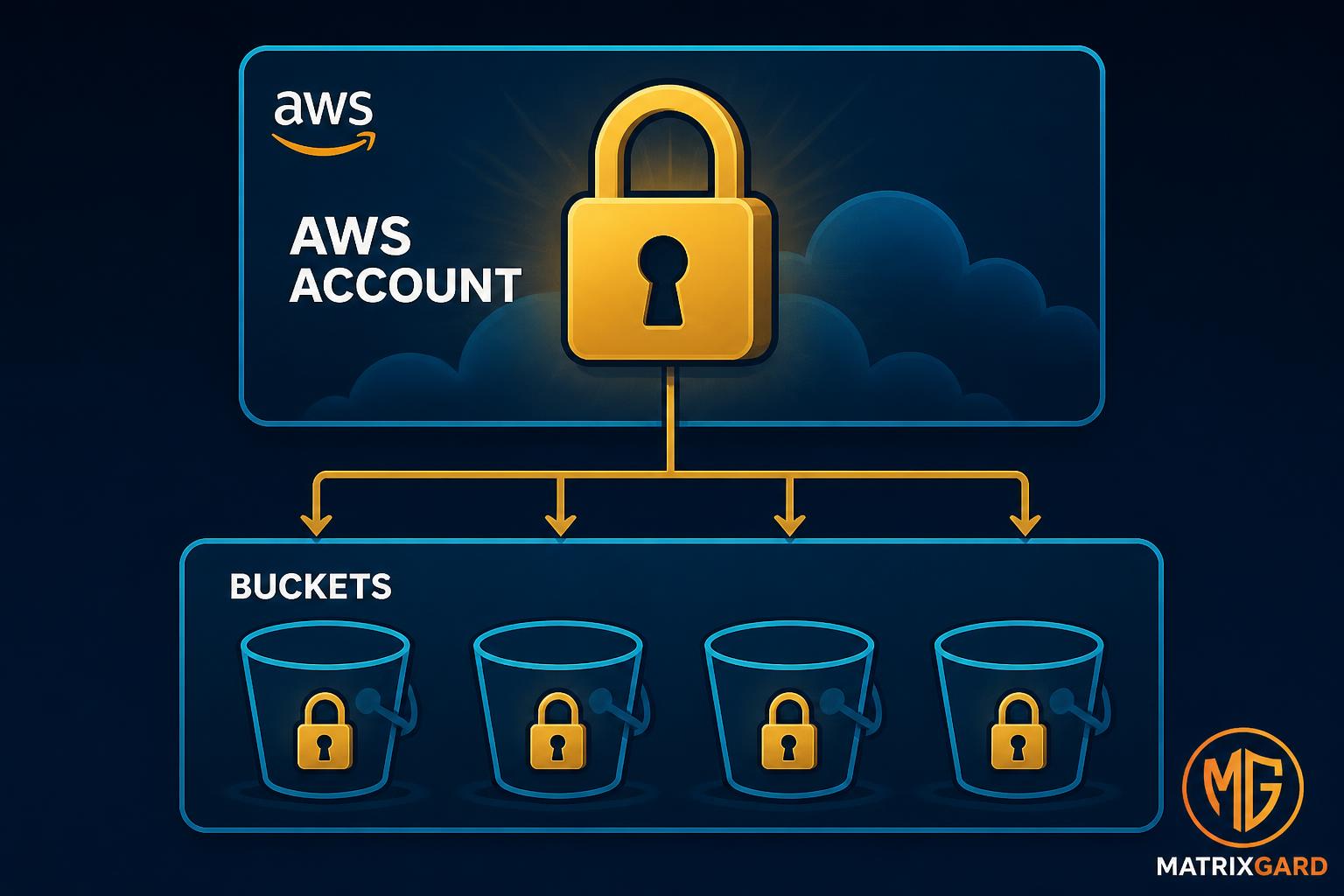
AWS S3 Block Public Access: Four Settings, What Each One Does, and Why You Need All Four
Most S3 breaches start with a checkbox flip, not a hacker. AWS shipped four settings called Block Public Access to fix that. This is the boring reference your team should read before configuring a bucket. Account level vs bucket level. Pre-2023 defaults vs post-2023 defaults. DPDP and RBI angles for Indian operators.
The pattern doesn't start with a hacker. It starts with a developer in a hurry.
Someone needs to share a file with a vendor. They right-click the S3 object, click "Make public," see it works, move on. Six weeks later, a security researcher with a search index finds the URL.
That's how most S3 incidents actually begin. The breach is a checkbox that got flipped by someone who didn't know what the checkbox protected against.
AWS knows this. In November 2018, they shipped a feature called Block Public Access to fix it. In April 2023, they made the strict version the default for every new bucket. In 2026, public S3 misconfigurations still appear regularly in disclosed breaches, often on buckets created before 2023 or accounts where Block Public Access was deliberately switched off.
This post is the boring reference your team should have read before configuring a bucket. Four settings, what each one does, and why none of them are individually enough.
The four settings
AWS Block Public Access is a set of four boolean controls. They sit at two levels: the AWS account and the individual bucket. The four:
Setting
What it blocks
BlockPublicAcls
New ACLs that grant public access. Existing public ACLs continue to work.
IgnorePublicAcls
All public ACLs are ignored at evaluation time. Public ACLs continue to exist but have no effect.
BlockPublicPolicy
New bucket policies that grant public access.
RestrictPublicBuckets
Cross-account and anonymous public access through bucket policies, regardless of policy contents.
These four are layered, not redundant. Each blocks a different way an S3 object can become public.
One. BlockPublicAcls
S3 has two access models. Bucket policies are JSON IAM-style documents. Bucket ACLs are an older system Amazon kept around for compatibility. ACLs let you grant access to specific AWS accounts, the bucket owner, the special AllUsers group (everyone on the internet), or the special AuthenticatedUsers group (anyone with an AWS account).
BlockPublicAcls=true prevents new ACLs being applied that grant access to AllUsers or AuthenticatedUsers. It also blocks PUT Object requests that include an ACL grant to those groups, and PUT Object requests with --acl public-read arguments. The API call returns AccessDenied instead of silently succeeding.
Important: this setting does not retroactively remove public ACLs that already exist. If a developer set an ACL last year before the setting was enabled, the object is still public until the ACL is removed.
Two. IgnorePublicAcls
This is the retroactive fix. IgnorePublicAcls=true tells S3 to treat any existing public ACL as if it doesn't exist when an access request comes in. The object stays in the bucket, the ACL stays on the object, but the public read never resolves.
Most teams enable BlockPublicAcls and IgnorePublicAcls together. The first blocks new mistakes. The second neutralises old ones.
Three. BlockPublicPolicy
ACLs are one path to a public object. Bucket policies are the other. A bucket policy that allows s3:GetObject to Principal: "*" makes every object in the bucket world-readable.
BlockPublicPolicy=true rejects any new bucket policy that would grant public access. Existing public policies continue to operate. This blocks the most common path teams take to share a bucket with the world: pasting a public-bucket policy template from Stack Overflow.
Four. RestrictPublicBuckets
The strictest of the four. When enabled, AWS ignores any portion of a bucket policy or ACL that would grant access to public or anonymous users. The bucket can still have a public policy attached. The policy is just non-functional.
This is the setting that protects you from a bucket policy that already exists and grants public access. BlockPublicPolicy prevents new ones. RestrictPublicBuckets neutralises old ones.
Two levels, not one
These four settings can be configured at the bucket level and at the account level. The account level is an envelope that applies to every bucket.
If account-level BlockPublicAcls=true is set, every bucket in the account behaves as if it had BlockPublicAcls=true, regardless of what the bucket-level setting says. Account-level is strictly more restrictive: the OR of account and bucket settings wins.
This matters because most accidental exposures happen at the bucket level. A developer with s3:PutBucketPublicAccessBlock permission can disable the bucket setting and turn the bucket public. They cannot do the same at the account level without s3:PutAccountPublicAccessBlock, which is normally restricted to a small group.
The clean rule: set all four at the account level, and only allow exceptions case by case. Most teams skip the account-level step. That's the gap.
The April 2023 default change everyone forgets
In April 2023, AWS changed the defaults for new S3 buckets. All four Block Public Access settings now default to true. ACLs are disabled by default. A new bucket created in 2024 or later is private out of the box.
This sounds like the end of the problem. It isn't, for three reasons:
Pre-2023 buckets retain their old configuration. A bucket created in 2019 with all four settings off is still that way unless someone explicitly remediated it.
Account-level defaults were not changed automatically. Your account-level Block Public Access settings are whatever you set them to when you opened the account, or all-off if you never touched them.
The defaults only protect against accidental public access. Deliberately public buckets (static website hosting, public CDN origins) are still common, and once a bucket is intentionally public, every object inside inherits the risk.
The pattern we still see: an Indian seed startup creates an AWS account in 2021, gets a bucket public for a CDN, leaves account-level Block Public Access off, then later creates a private bucket assuming "AWS defaults are safe now." The new bucket is fine. The old one isn't. Account-level was never enabled.
The DPDP and RBI angle
For an Indian startup, public S3 isn't just a security mistake. It's a regulatory event.
Under the DPDP Act 2023, a Data Fiduciary is liable for personal data exposure regardless of intent. The penalty for a significant breach can reach Rs 250 crore. "We left a bucket public by accident" is not a defence under the Act. The duty is to maintain reasonable security safeguards, and exposing personal data through misconfigured S3 fails that test.
For RBI-regulated fintechs, the same exposure also triggers reporting obligations under the Cyber Security and Resilience Framework. The clock starts the moment the misconfiguration is discovered, internally or externally.
The technical fix for both regimes is the same: turn all four Block Public Access settings on, at the account level, and audit existing buckets for pre-2023 settings.
The five-minute audit
For each AWS account you operate:
# Check account-level Block Public Access
aws s3control get-public-access-block --account-id YOUR_ACCOUNT_ID

# Check every bucket
aws s3api list-buckets --query "Buckets[].Name" --output text | \
  tr "\t" "\n" | while read bucket; do
    echo "--- $bucket ---"
    aws s3api get-public-access-block --bucket "$bucket" 2>&1
  done
If any of the four settings return false, or the API returns NoSuchPublicAccessBlockConfiguration, that bucket is in the danger zone.
The remediation in the AWS Console: S3, Block Public Access settings for this account, Edit, tick all four, Save. Then for each bucket that's intentionally public, document why, and add an exception only at the bucket level.
What this doesn't cover
Block Public Access is necessary, not sufficient. It does nothing about:
Pre-signed URLs that leak personal data
IAM users with overly broad S3 permissions
Cross-account bucket sharing through s3:GetBucketAcl
Data accidentally written to a bucket that was never meant to hold it
Four settings: BlockPublicAcls, IgnorePublicAcls, BlockPublicPolicy, RestrictPublicBuckets. Each blocks a different path to a public object. None of them work alone. Set all four, at the account level, for every AWS account you run.
For Indian operators, this is also a DPDP control. Treat it that way.
MatrixGard
Ready to close the gaps?
MatrixGard is a fractional DevSecOps practice: one senior engineer who runs your cloud, infrastructure and security together on a monthly retainer, so gaps like this get fixed, not just flagged.