Paranoid mode
The default. Zero cloud access. You stay in control.
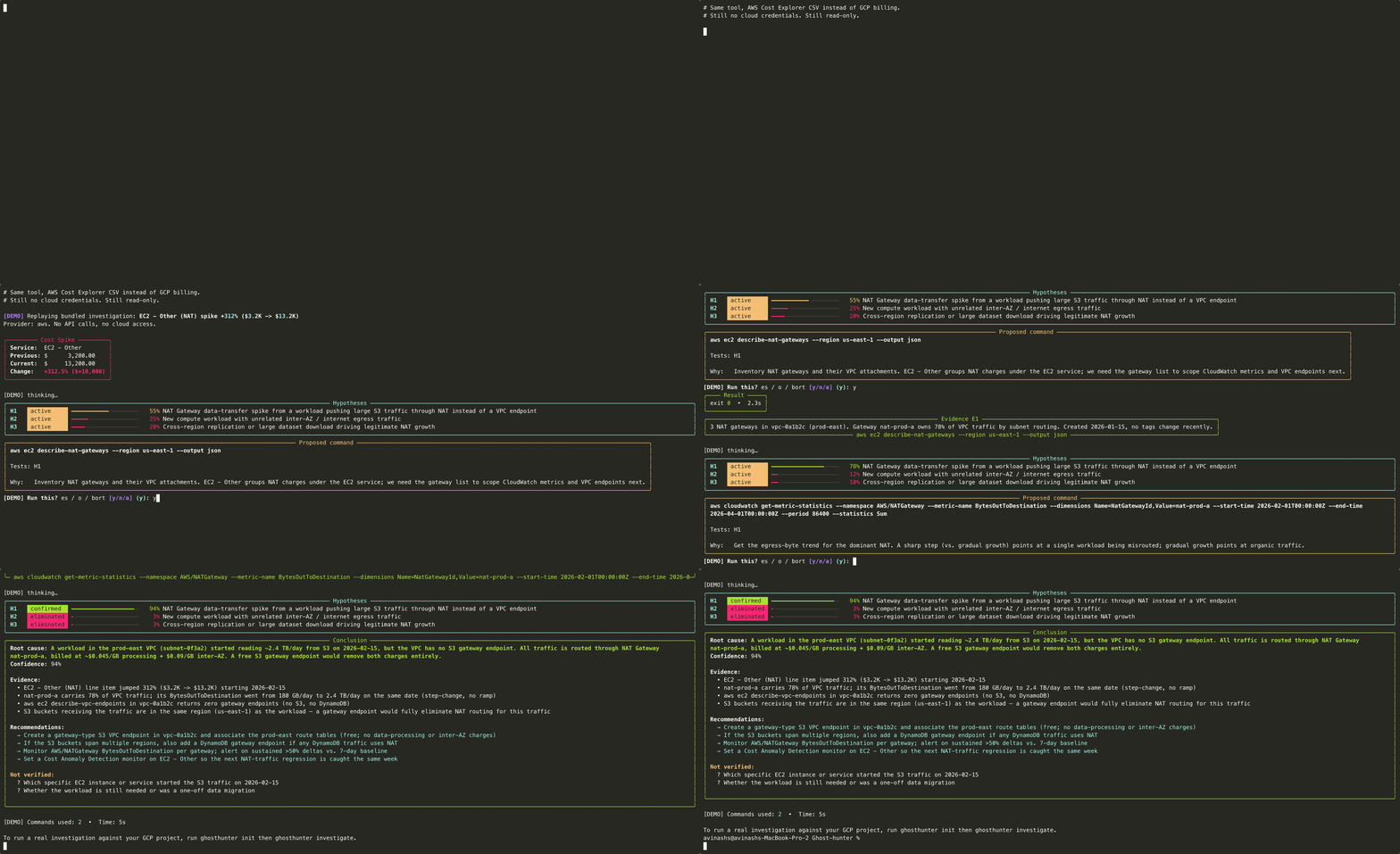
Paranoid mode is Ghost-hunter's default. It never touches your cloud. It reads a billing CSV from your local disk, asks Claude Opus for hypotheses, prints the read-only commands that would confirm each one, and waits for you to paste output back.
Blast radius: zero. Even if the LLM goes off the rails, it cannot run anything on your infrastructure.
When to use
- Production accounts (the only safe choice).
- Any cloud where you do not personally hold the credentials.
- Compliance-sensitive environments: billing data never leaves your machine except as prompts to Anthropic.
The loop
- You export billing data: a CSV from BigQuery (GCP) or Cost Explorer / CUR (AWS).
- Ghost-hunter reasons: Opus generates ranked hypotheses with confidence bars based on the CSV.
- Ghost-hunter proposes a command: a single read-only
gcloudorawscommand, validated by the 7-layer allowlist. - You run it: paste the output back into the prompt. Ghost-hunter compresses it via Sonnet and updates the hypothesis ranking.
- Repeat until root-caused: loop until Opus is confident in a single hypothesis, then it produces a final report.
What leaves your machine
Only the prompts sent to Anthropic. Your billing CSV is parsed locally; only the relevant excerpts are included in prompts. No cloud calls, no telemetry to MatrixGard, no third-party services.
Demo